
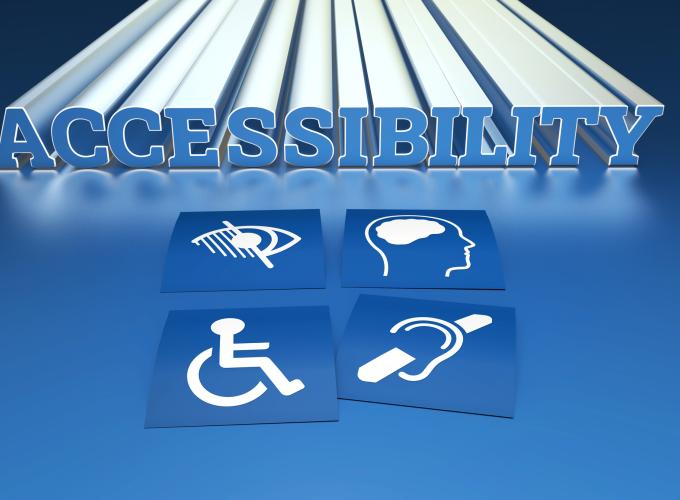

To ensure your content follows federal guidelines, Communications shares a few tips to help support your accessibility efforts.
What is considered digital?
Everything viewed on a screen, including email.
How do I make emails accessible?
By default, emails are accessible, as referenced in a previous Inside GGC article. Do not change the font or the color of your text, and everyone will be able to access them. If you still want to change your font, be sure it is a sans serif font with a thick weight.
But what if I want to add a flyer?
You can include a flyer if the text is written in a readable font and there is high color contrast between the color of the text and the color of the background. Always include alternative text.
Are all flyers digital?
Flyers begin as digital files since they are created on a computer. If you print it and place it on a bulletin board, for example, it is no longer digital. But if you share it digitally, such as via email or through social media, it remains digital and requires alternative text.
What is alternative text?
Alternative text, or alt text, is a description of an image that screen readers can read aloud. It is not a hashtag, a pop-up advertisement or a plain caption.
How much should I include in my alt text?
Keep descriptions concise while providing enough context for users relying on screen readers. Information Technology (IT) offers a helpful accessibility article about the dos and don’ts of alternative text, and it includes a simulation video.
What about header styles?
Creating distinct header styles by increasing the font size or bolding the font only gives the appearance of a navigational structure. Use built-in header styles located in Microsoft Word’s toolbar to ensure proper navigation. Learn how to incorporate header styles into Word files in IT’s Microsoft Accessibility Tips article under “Structure.”
How do I hyperlink text?
Avoid using phrases like “click here.” Links must be meaningful and make sense within the sentence, even without the hyperlink. Review the links in the above paragraphs for examples.
Thank you for your effort
With consistent practice, creating digitally accessible files becomes routine. Your time and effort will ensure equal access to digital content.